

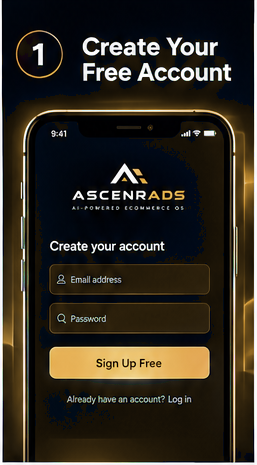
Tutorial
How it works
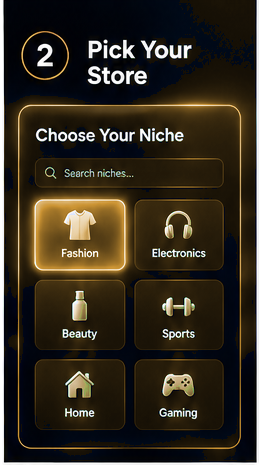
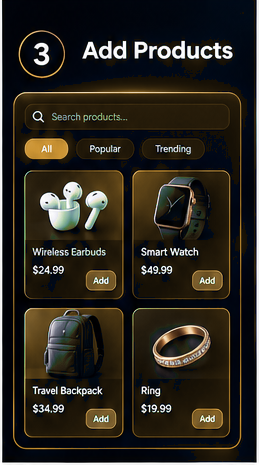
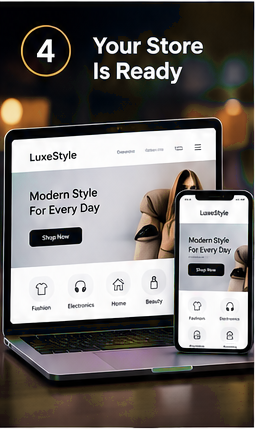
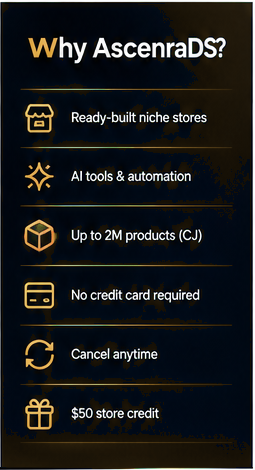
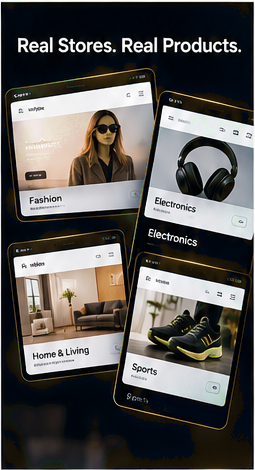
AscenraDS opens a ready niche store, not an empty builder. You, name, look. After that you edit products, connect payments, and share the store link.
After the store opens
- Open the dashboard Home. Your store URL is in the sidebar. Click it to see what shoppers see.
- Go to Products. Hide anything you do not want live. Import more from Catalogue when you need depth.
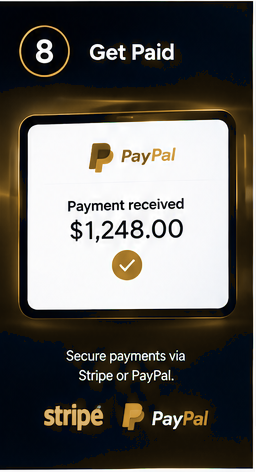
- Connect Stripe under Billing for in-app checkout, or use the live PayPal payment link.
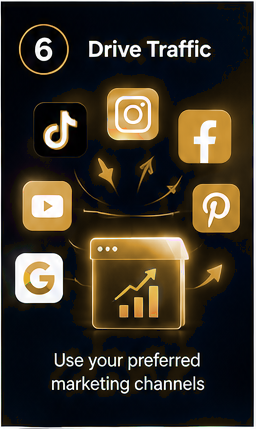
- Share yourname.ascenrads.com. Add a custom domain later on Pro or Business.
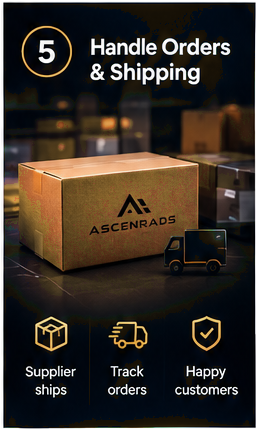
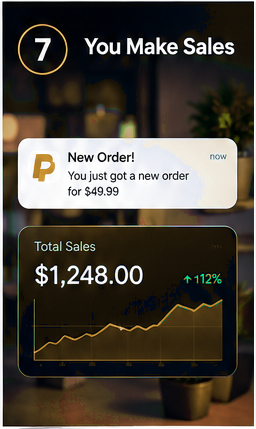
- Paid orders credit payouts after product cost and the processing fee.
- Keep Starter, upgrade to Pro or Business, or cancel from Billing. Human support is in Help and Support.